
Find your tempo.
Own your rhythm.
Meet ClickTrak, a precision metronome for musicians who want
reliable timing, flexible subdivisions, and control over how
every beat sounds and feels.
Built for focused practice, from everyday rhythms to challenging meters.
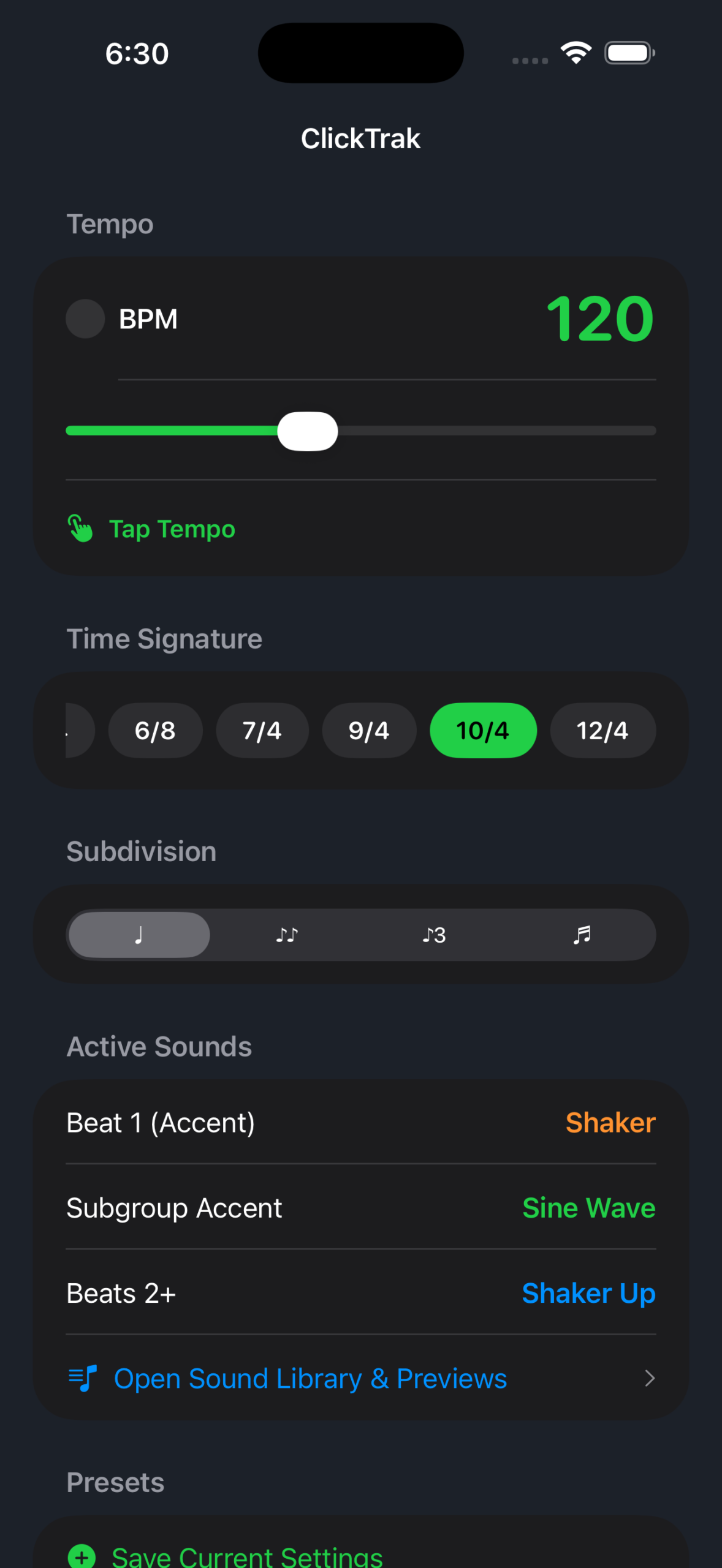
Your practice. Your settings.
Explore the ClickTrak interface and the tools that help you
work on timing, subdivisions, and accents.
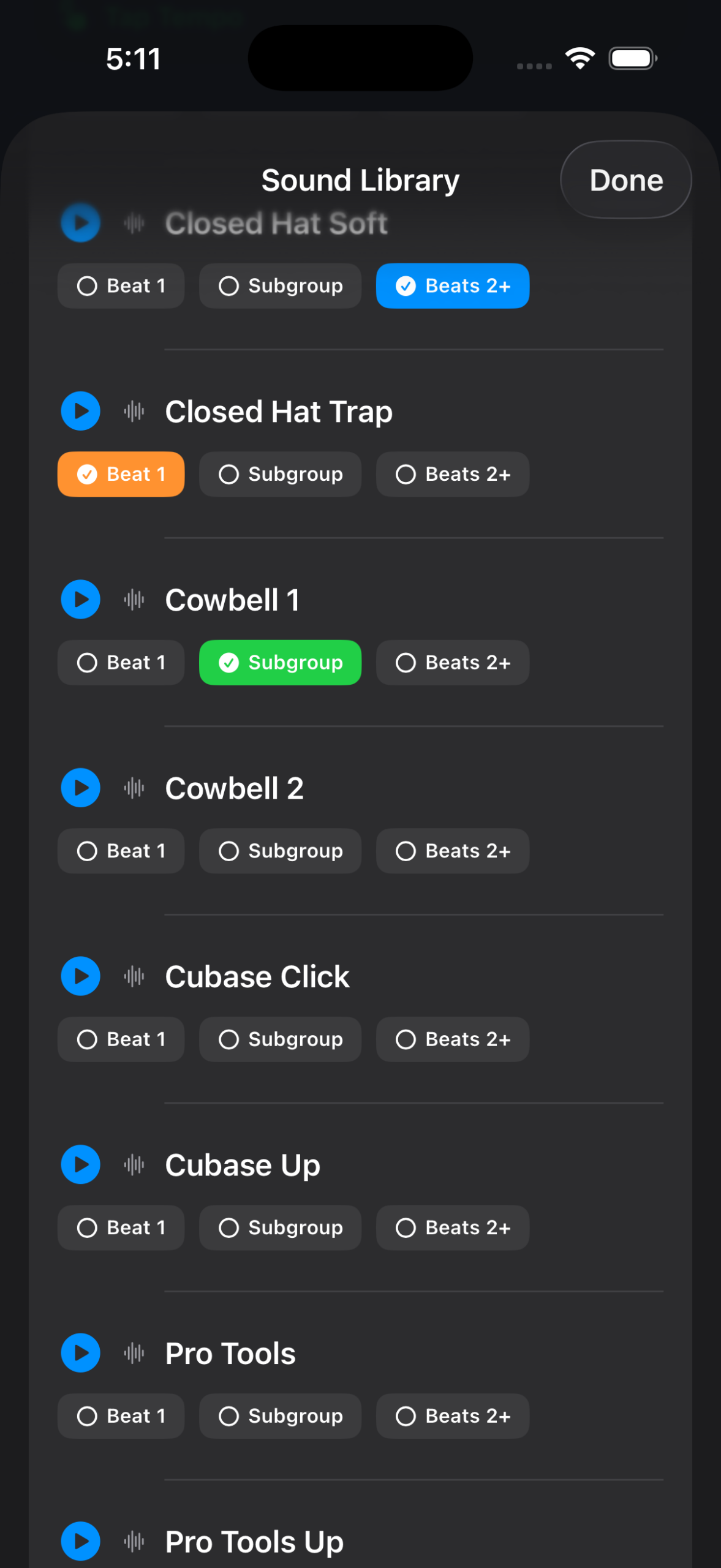
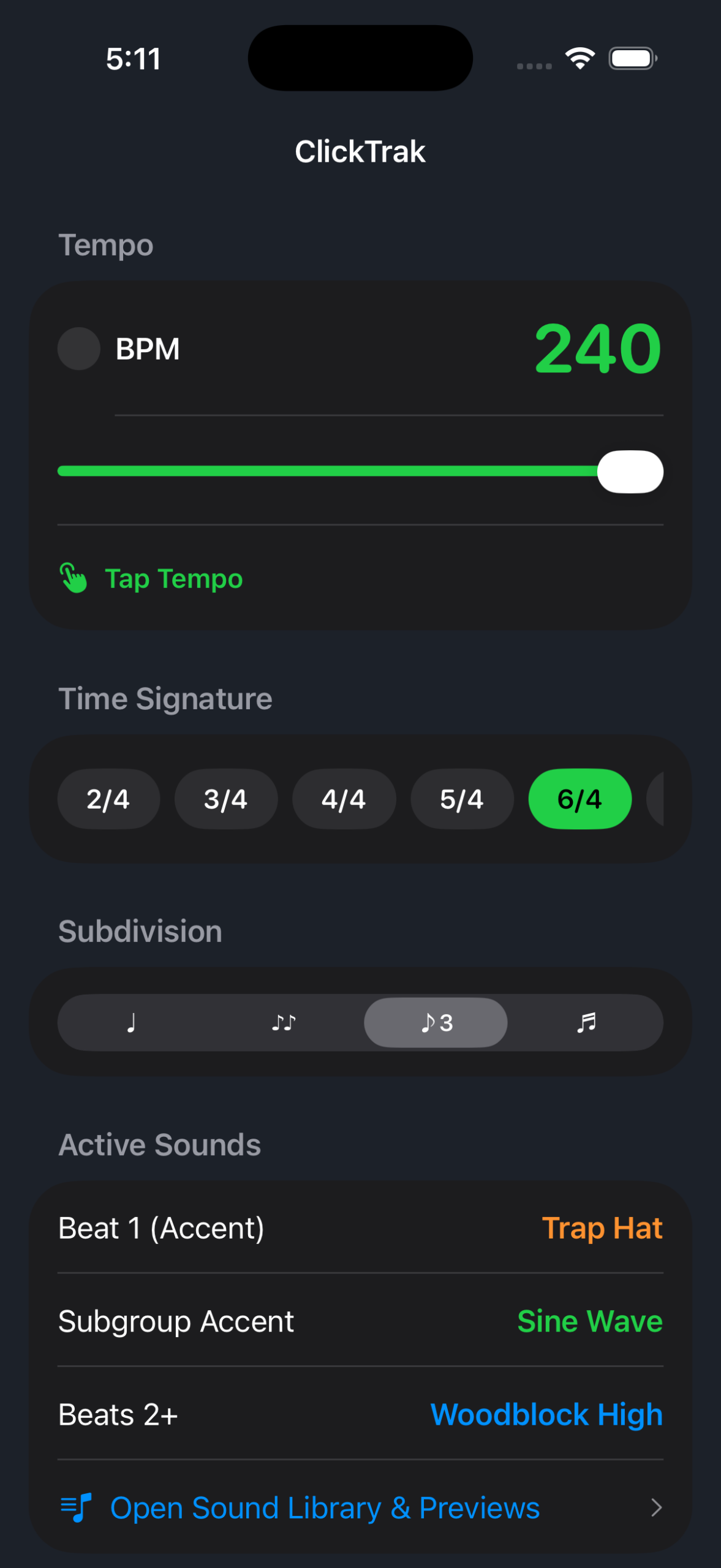
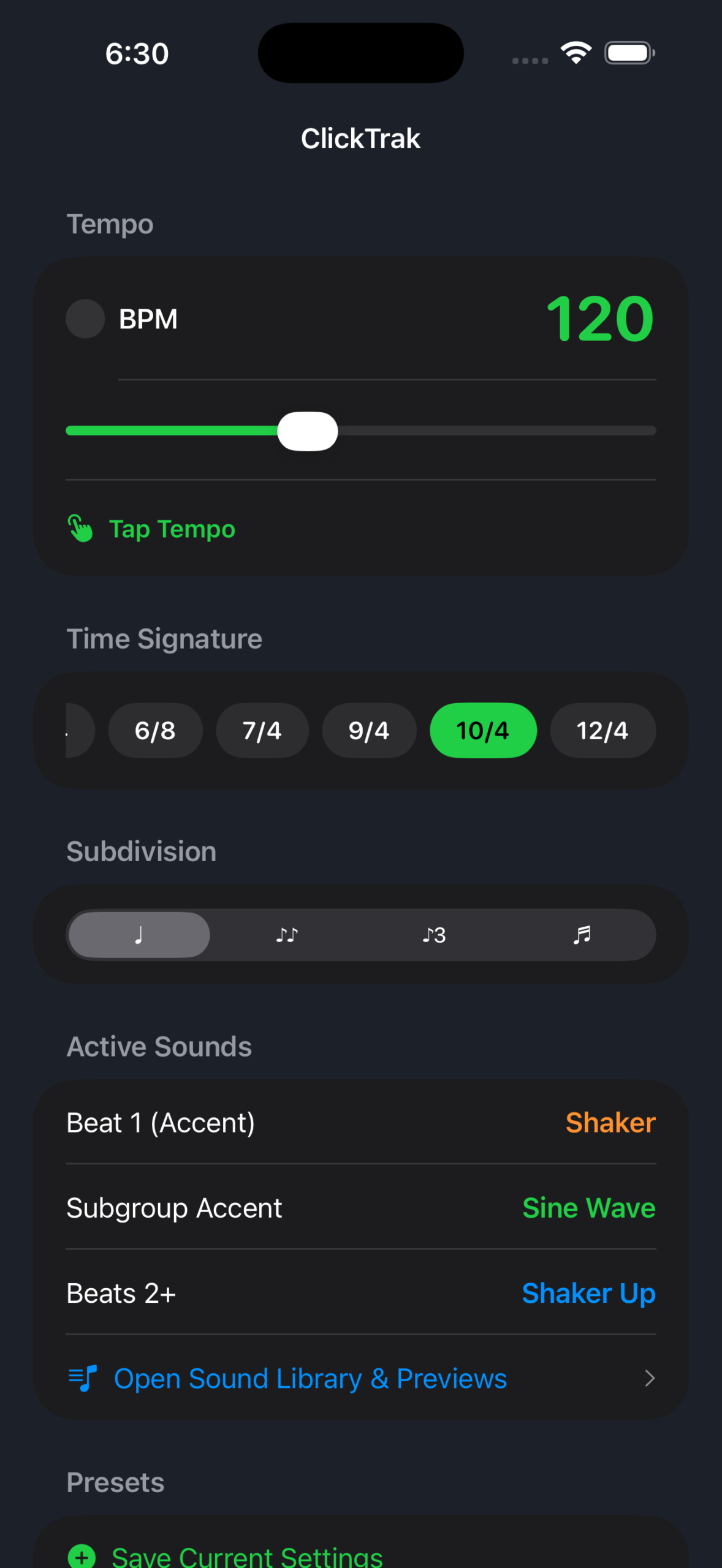
A look at the current ClickTrak iPhone app.
More than a basic click.
Build a steady pulse, understand the structure of a measure,
and customize the sound that guides your playing.
Precise Timing
Practice with a timing engine designed to keep the beat
consistent, with responsive tempo adjustments.
Explore Different Meters
Work with familiar time signatures as well as odd and
compound meters, including 5/4, 7/4, and 6/8.
Flexible Subdivisions
Practice quarter notes, eighth notes, triplets, and
sixteenth notes to strengthen your rhythmic accuracy.
Customize Your Sound
Choose from a library of click sounds and assign different
sounds to downbeats, subgroup accents, and regular beats.
Tap Tempo & Presets
Set a tempo by feel with Tap Tempo and save your preferred
setup so it’s ready for your next practice session.
See the Beat
Follow the visual beat indicator to see the downbeat
and recognize accents as the measure moves along.
Take a tour of ClickTrak.
Watch a walkthrough of the controls, time signatures,
subdivisions, and sound customization.
Make every beat count.
Take ClickTrak into your next practice session and build
confidence in your timing, one beat at a time.